Console
Build and run apps and agents, manage your project, and open Console tools.
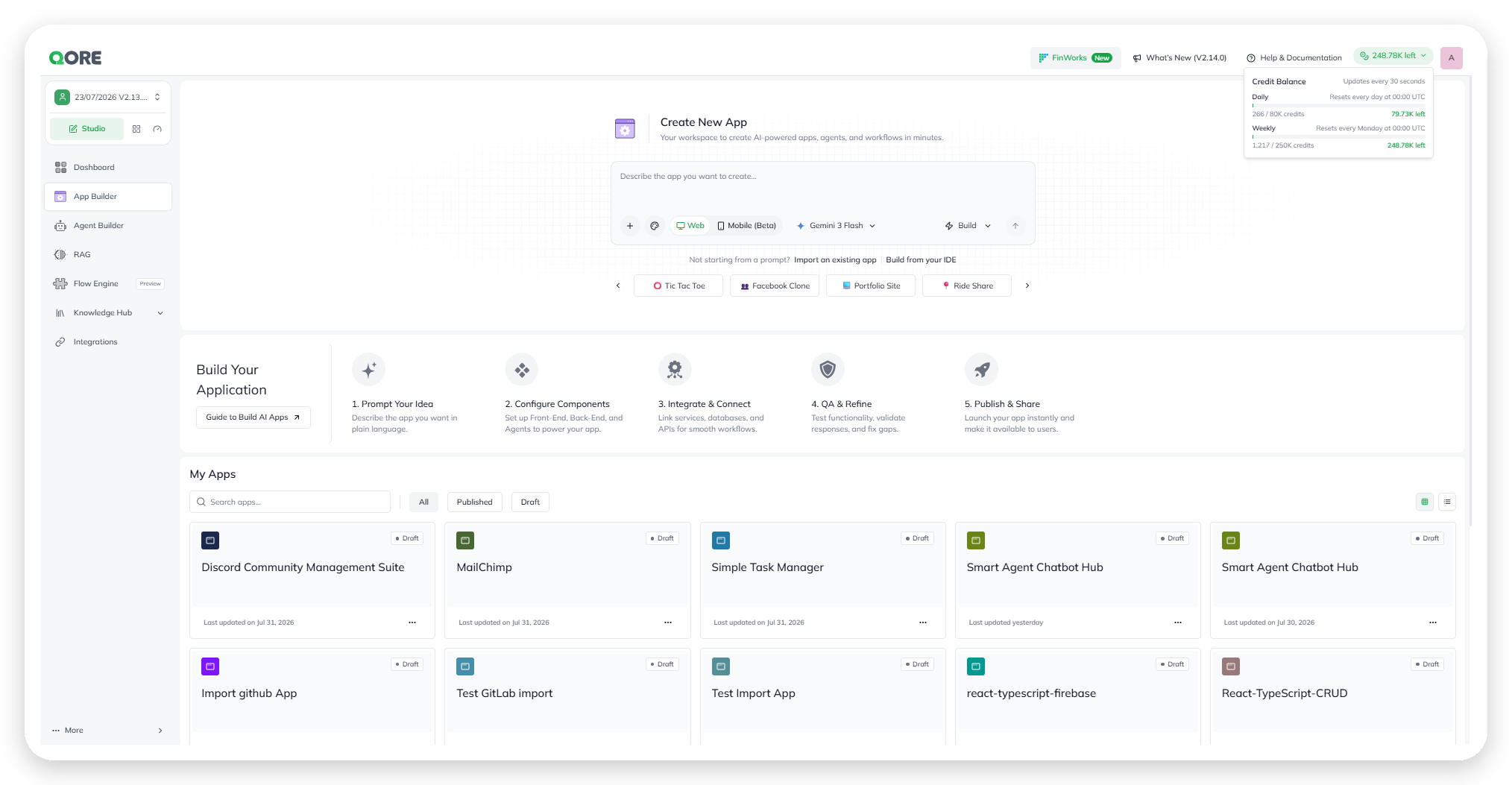
Console is where you build and run apps and agents. Start something new, review your project, and open every Console tool from one place.

Open it at Console → Dashboard. Use Control Center to monitor and govern running apps and agents across your account.
Start a build
Describe your intent in the Operator prompt. Operator coordinates the work needed to build an app, agent, knowledge base, or agentic app.
Operator can search or crawl a website when your request needs web context. For example, provide a URL to reuse its design system in an app or create a knowledge base from its content.
You can also select Import an existing app or Build from your IDE when you want to start from existing code.
Review your project
The Dashboard summarizes your current project:
Apps and Agents show how many you have built.
Workflows shows existing workflows. Select Create Workflow to open Flow Engine.
Knowledge Bases shows available knowledge sources.

Use Recently worked on to reopen items by name, type, or last updated time.
Use dashboard shortcuts
Integrations summarizes the connector catalog by category. Select See all to open the Integrations Hub.
Quick Start provides Create Your App and Build an AI Agent.
Explore Console areas
The sidebar gives you direct access to each Console area:
App Builder for creating, running, and publishing apps.
Agent Builder for building and deploying agents.
RAG for retrieval-augmented generation over your knowledge.
Flow Engine for building workflows.
Knowledge for building and querying knowledge bases.
Integrations for the connector catalog.
Manage running products
Use Control Center for account-wide monitoring, governance, access, usage, billing, and audit.
Last updated